

What Is Augmented Reality Furniture Testing and Why Does It Matter in 2026?
Augmented reality furniture testing lets you visualize how pieces fit and look in your actual space before purchase. Using your smartphone or tablet, AR apps overlay digital furniture onto your room through your device’s camera. This technology eliminates costly mistakes, saves time, and increases confidence in design choices. By June 2026, AR furniture visualization has become mainstream, with major retailers and manufacturers offering native AR experiences. You can now test everything from sofas to dining tables with remarkable accuracy, transforming how people shop for home furnishings.
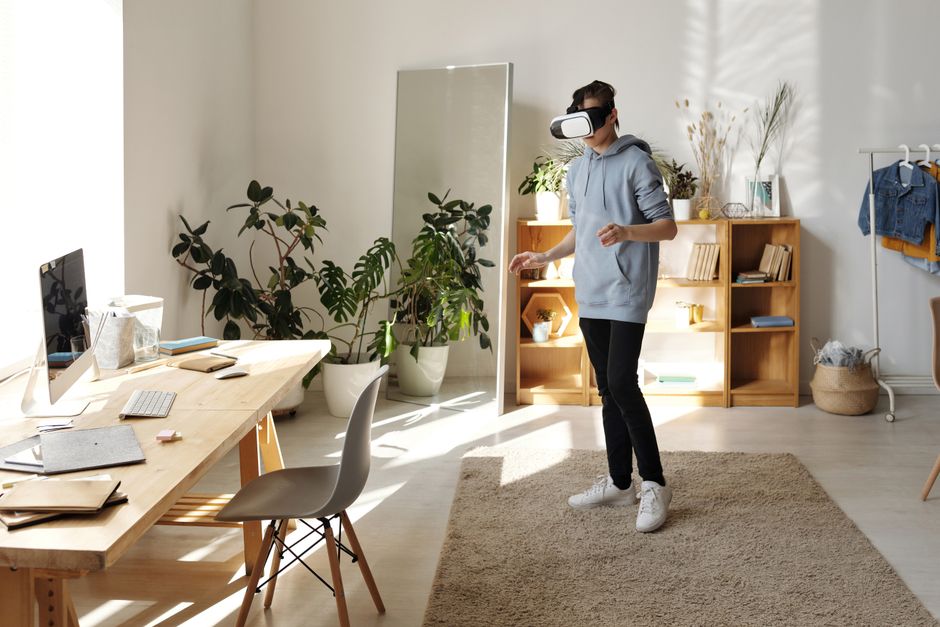
The furniture industry has embraced AR because it reduces returns and increases customer satisfaction. Traditional shopping methods force you to imagine how a piece works in your space, often leading to poor decisions. AR removes this guesswork by showing exact dimensions, colors, and placement in real time. This technology is especially valuable for large items like bedroom sets or office furniture where mistakes are expensive. As design trends evolve, AR helps you experiment with styles like Japandi bedroom designs or biophilic living room colors without commitment.
Key Takeaway: AR furniture testing has become essential for smart home shopping in 2026, reducing returns and helping you make confident design decisions.
Which AR Apps and Platforms Offer the Best Furniture Visualization?
Leading furniture retailers and tech companies now offer dedicated AR experiences for testing pieces. IKEA’s Place app remains one of the most popular options, allowing you to visualize nearly their entire catalog in your space. Wayfair, Amazon, and Ashley Furniture have developed robust AR tools within their mobile apps. Specialized platforms like Houzz and Furniture.com integrate AR viewing directly into product listings. Each platform uses slightly different technology, but all provide realistic 3D models and spatial awareness features. By June 2026, most major retailers offer AR functionality as standard, making it easy to test multiple pieces from different brands.

Beyond retailer apps, standalone AR platforms have emerged for broader furniture shopping. These include specialized design tools that let you mix and match pieces from multiple brands in one virtual room. Some platforms offer augmented reality features through web browsers, eliminating the need to download multiple apps. The quality of 3D models varies by platform, with premium services offering photorealistic renderings. Free apps typically provide good-quality visualization, while paid services offer advanced features like lighting simulation and material texture accuracy.
- IKEA Place: Covers full IKEA catalog with accurate dimensions and realistic rendering.
- Wayfair View: Allows testing of thousands of items from multiple brands and price points.
- Amazon AR View: Integrates directly with Amazon product pages for quick visualization.
- Houzz: Combines AR with interior design inspiration and professional consultation tools.
- Furniture.com AR: Specializes in large furniture pieces with precise spatial measurements.
Key Takeaway: Multiple AR platforms exist in 2026, with IKEA Place and Wayfair View leading the market for comprehensive furniture testing.
How Do You Prepare Your Room for Accurate AR Furniture Testing?
Proper room preparation ensures AR furniture visualization displays accurately and helps you make better decisions. Start by clearing clutter and ensuring good lighting conditions, as AR apps rely on visual data to understand your space. Natural daylight works best, but any consistent lighting helps the camera accurately map your room’s dimensions. Take a moment to measure your doorways and hallways mentally, as this helps you understand scale when viewing virtual furniture. Clean windows and clear sightlines allow the app’s camera to properly detect walls, floors, and architectural features.
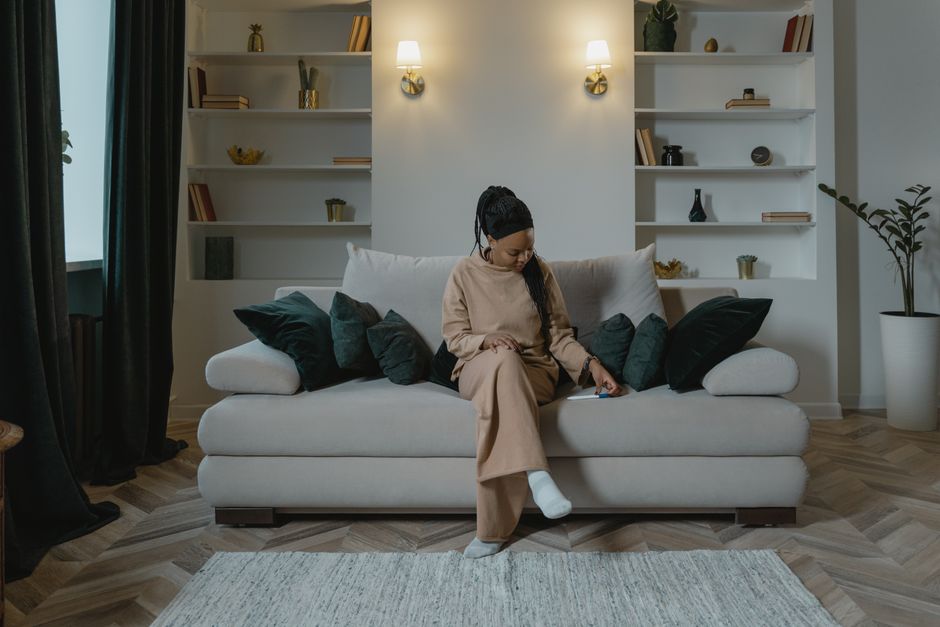
Most AR furniture apps require you to “scan” your room by moving your device around slowly. Point your camera at walls, floors, and corners to help the app build an accurate spatial map. This process typically takes 10-30 seconds depending on room size and app sophistication. The app will show visual indicators when it has successfully mapped your space. Some advanced apps in 2026 can remember saved room layouts, letting you test multiple furniture combinations without rescanning. This feature is particularly useful when redesigning spaces like home offices or creating healing sanctuaries at home.
- Clear the space: Remove clutter and obstacles that might confuse the AR camera.
- Optimize lighting: Use natural light or consistent artificial lighting for best results.
- Scan slowly: Move your device methodically to help the app map your room accurately.
- Focus on key areas: Ensure walls, floors, and doorways are clearly visible to the camera.
- Save layouts: Use the app’s save feature to preserve room maps for future testing sessions.
Key Takeaway: Proper room preparation with good lighting and a complete scan ensures AR furniture visualization accuracy.
What Techniques Help You Test Furniture Size, Color, and Style Effectively?
Testing multiple furniture sizes simultaneously helps you understand spatial relationships and find the perfect fit. Most AR apps let you scale virtual pieces up or down to see how different dimensions work in your room. Start by placing a piece at its intended location, then test larger and smaller versions to understand the visual impact. Walk around the virtual furniture to view it from different angles and distances, just as you would with a real piece. This 360-degree perspective reveals how the furniture interacts with existing décor and architectural elements.
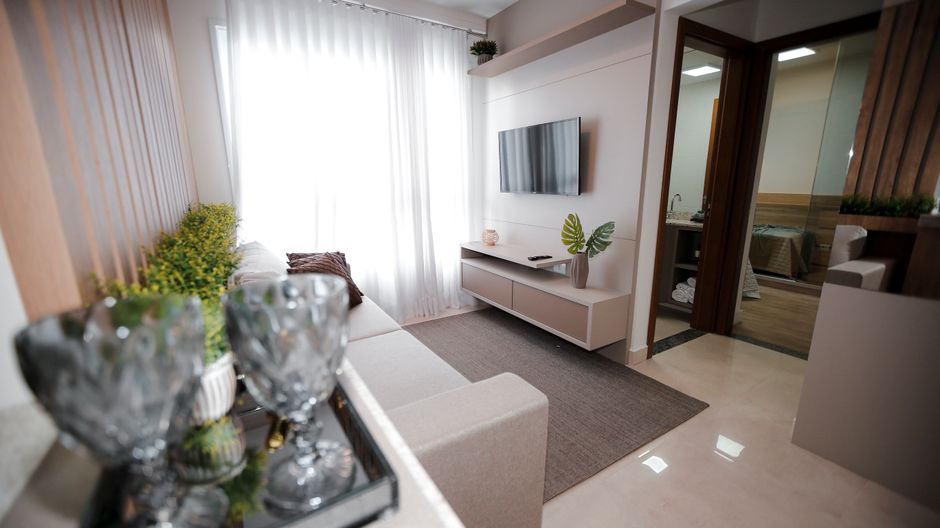
Color testing requires special attention since AR rendering can vary based on lighting conditions and device screens. Test furniture colors at different times of day if possible, as morning light differs dramatically from afternoon or evening light. Most apps in 2026 include lighting simulation tools that let you preview how pieces look under various conditions. Compare multiple color options side by side using the app’s split-screen or carousel features. Take screenshots of your favorite combinations to review later on different devices and screens, ensuring the color matches your vision.
Style compatibility testing helps you visualize how new pieces work with existing furniture and design themes. If you’re planning a biophilic living room design, test natural wood tones and earth colors in your space. For Japandi bedroom designs, test minimalist pieces with clean lines. The AR visualization shows exactly how new items complement or clash with your current décor. This approach prevents costly style mismatches and helps you maintain cohesive design throughout your home.
- Test multiple sizes: Scale pieces up and down to find the ideal proportion for your space.
- View from multiple angles: Walk around virtual furniture to see how it looks from different perspectives.
- Test colors in various lighting: Preview pieces under morning, afternoon, and evening light conditions.
- Compare style compatibility: Ensure new pieces work with existing furniture and design themes.
- Take screenshots: Capture your favorite combinations to review and compare later.
Key Takeaway: Effective AR testing involves viewing furniture from multiple angles, testing colors in different lighting, and ensuring style compatibility with existing décor.
How Can AR Help You Plan Room Layouts and Furniture Arrangements?
AR technology goes beyond testing individual pieces to help you plan complete room layouts before making purchases. Advanced AR apps in 2026 let you place multiple furniture items simultaneously to visualize the entire room design. This capability is invaluable when redesigning spaces like home offices, where lighting for productivity and furniture arrangement both matter. You can experiment with different traffic flow patterns, seating arrangements, and focal points without moving heavy items. The app shows you exactly how much floor space remains and whether pathways feel open or cramped.
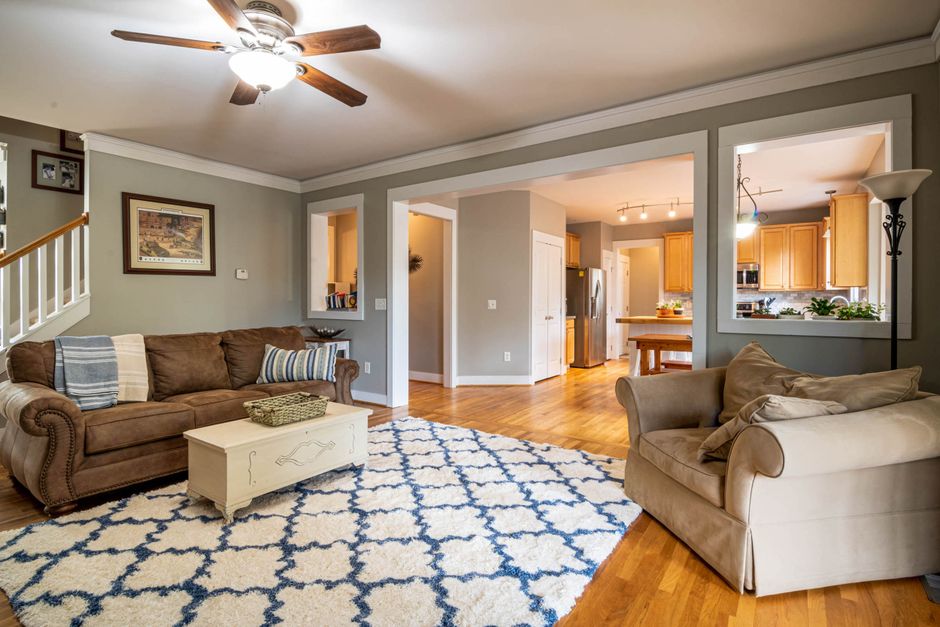
Layout planning with AR helps you avoid expensive mistakes like purchasing a sofa too large for your living room or a desk that blocks your office doorway. You can test whether a bed placement works with your bedroom windows and how nightstands look on either side. For those considering biophilic office furniture, AR lets you visualize how natural wood pieces and plants work together spatially. The technology shows clearance distances, helping you ensure furniture doesn’t block vents, outlets, or natural light sources.
Many AR apps include measurement tools that calculate exact distances between pieces and walls. This feature prevents gaps that look awkward or furniture placement that feels unbalanced. You can verify that your new dining table has adequate space for chairs to pull out comfortably. The layout planning capability makes AR particularly valuable for small spaces where every inch counts and mistakes are costly.
Key Takeaway: AR layout planning helps you visualize complete room designs, test traffic flow, and avoid expensive furniture placement mistakes.
What Are the Practical Steps to Test Furniture Using AR Technology?
Follow this step-by-step process to get the most from AR furniture testing in 2026. These actionable steps ensure you capture all the information needed to make confident purchasing decisions.
- Download and install: Choose an AR app from your preferred retailer or a specialized platform like Houzz or Wayfair.
- Create an account: Sign up if required and customize your preferences for furniture style and price range.
- Prepare your room: Clear clutter, optimize lighting, and ensure your space is ready for scanning.
- Scan your space: Slowly move your device around the room to allow the app to map dimensions and architectural features.
- Search for furniture: Browse the app’s catalog or search for specific pieces you’re considering.
- Place items virtually: Tap to place furniture in your room and adjust position and rotation as needed.
- Test size and scale: View the piece from multiple angles and distances to assess how it looks in context.
- Compare colors: Test different color options and view them under various lighting conditions.
- Test multiple pieces: Place several items to visualize your complete room design and layout.
- Take screenshots: Capture your favorite combinations for later review and comparison.
- Check measurements: Use the app’s measurement tools to verify clearances and spacing.
- Make your purchase: Use the app’s direct purchase link or note the product details for buying elsewhere.
Key Takeaway: Following a systematic testing process ensures you gather all necessary information before making furniture purchases.
What Are Common Mistakes to Avoid When Using AR for Furniture Testing?
Many people make preventable errors when using AR furniture visualization, leading to poor purchasing decisions. The most common mistake is relying solely on AR without considering other factors like material quality and durability. AR shows you how a piece looks, but not whether it’s made from solid wood or wood-based panels. Always cross-reference AR visualizations with product specifications, reviews, and material information from the retailer. Another frequent error is testing furniture in poor lighting conditions, which can distort how colors actually appear in your space.
Testing pieces in isolation rather than as part of a complete design is another common pitfall. AR’s strength lies in showing how items work together spatially and stylistically. Don’t just test your new sofa; test it alongside your existing coffee table, artwork, and lighting to see the full picture. Many users also forget to account for furniture depth and projection, focusing only on width. A chair might fit spatially but stick out into your walkway if you don’t consider its full footprint.
Finally, avoid making purchases based on AR visualization alone without considering practical factors. Test how doors open with furniture in place, whether curtains can close properly, and if outlets remain accessible. Some users ignore the importance of checking return policies before purchasing, assuming AR accuracy is always perfect. While AR technology is remarkably accurate in 2026, it’s still wise to verify measurements and confirm that the piece works in your space before committing to a purchase.
- Don’t ignore material quality: AR shows appearance but not durability or construction quality.
- Test in proper lighting: Poor lighting conditions distort color accuracy and visual perception.
- Test complete layouts: Visualize furniture as part of your entire room design, not in isolation.
- Account for depth: Remember that furniture extends into your room, not just across it.
- Verify practical factors: Check door openings, outlet access, and traffic flow before purchasing.
Key Takeaway: Avoid common AR testing mistakes by considering material quality, proper lighting, complete layouts, and practical factors beyond visual appearance.
How Does AR Furniture Testing Compare to Traditional Shopping Methods?
Augmented reality transforms furniture shopping by addressing limitations of traditional methods like in-store browsing and online shopping. When you shop in furniture stores, you see pieces in controlled showroom lighting that differs from your home’s natural light. You also can’t easily visualize how items work in your actual space or test multiple combinations. Online shopping without AR forces you to rely on imagination and measurements, often leading to returns. AR bridges this gap by showing exactly how furniture looks and functions in your specific room with your lighting conditions.
The return rates for furniture purchased online have historically been high because customers can’t accurately assess fit and appearance before delivery. AR testing in 2026 has significantly reduced returns by letting customers make informed decisions before purchase. Traditional shopping also requires time-consuming store visits, while AR testing happens on your couch in minutes. You can compare pieces from multiple retailers simultaneously, something impossible in physical stores. The convenience factor alone makes AR testing superior for most shoppers, especially when combined with free return policies.
However, traditional shopping offers advantages that AR can’t fully replicate, like feeling materials and testing furniture comfort. You can’t sit on a virtual sofa to assess how it feels, though many retailers now offer in-home trials for expensive pieces. AR works best as a complement to traditional shopping rather than a complete replacement. Use AR to narrow your options and visualize pieces in your space, then visit stores to test comfort and quality if the purchase is significant. This hybrid approach combines the convenience of AR with the tactile assessment of traditional shopping.
Key Takeaway: AR furniture testing offers superior visualization and convenience compared to traditional shopping, though it works best when combined with in-person testing for comfort and material quality.
What Future Developments in AR Furniture Testing Should You Expect Beyond June 2026?
Augmented reality furniture technology continues evolving rapidly, with exciting developments on the horizon. By late 2026 and beyond, expect AR apps to incorporate artificial intelligence that recommends furniture based on your room’s dimensions, style, and existing décor. Machine learning algorithms will learn your preferences and suggest pieces that match your taste. Haptic feedback technology may eventually let you feel virtual furniture, though this remains in early development stages. Integration with virtual reality could create immersive shopping experiences where you walk through complete room designs before purchase.
Advanced lighting simulation is becoming increasingly sophisticated, with 2026 AR apps offering real-time sunlight tracking based on your location and time of year. This means you’ll see exactly how furniture looks under your home’s specific lighting conditions at different seasons. Some developers are working on social AR features that let you share virtual room designs with friends and family for feedback before purchasing. Artificial intelligence analysis could eventually assess whether furniture choices align with your design style and provide suggestions for improvements. These innovations will make AR furniture testing even more accurate and user-friendly.
Key Takeaway: Future AR developments will include AI recommendations, improved lighting simulation, and social sharing features that enhance the furniture testing experience.
Frequently Asked Questions
Is AR furniture visualization accurate enough to rely on for purchasing decisions?
AR furniture visualization in 2026 is highly accurate for spatial placement, dimensions, and color representation, though accuracy depends on proper room scanning and lighting conditions. Most modern AR apps maintain accuracy within 2-5 percent of actual dimensions. However, AR can’t assess material texture, comfort, or durability, so you should still verify product specifications before purchasing. For expensive pieces, consider combining AR testing with in-home trials or store visits to confirm quality and comfort.
Do all furniture retailers offer AR testing capabilities?
Major retailers like IKEA, Wayfair, Amazon, and Ashley Furniture offer AR functionality as of June 2026, but smaller retailers may not. You can check whether a retailer offers AR by looking for an “AR View” or similar button on their product pages. Specialized AR apps like Houzz allow you to test furniture from multiple brands simultaneously. If your preferred retailer doesn’t offer native AR, third-party AR apps may include their products in their catalogs.
What smartphone or tablet specifications do I need for AR furniture testing?
Most AR furniture apps work on smartphones and tablets released within the last five years, including iPhones with iOS 13 or later and Android devices with Android 8 or higher. Devices need a rear camera, adequate processing power, and sufficient storage space for AR apps. Tablets often provide larger screens that make AR visualization easier to view, though phones work perfectly well. Check your device’s specifications and the app’s system requirements before downloading.
Can AR furniture testing help me plan room renovations and redesigns?
Yes, AR is excellent for planning complete room redesigns and renovations. You can test entire furniture layouts, experiment with different styles, and visualize how pieces work together before purchasing anything. This capability is especially valuable for major projects like redesigning bedrooms, home offices, or living rooms. AR helps you commit to a design vision before investing in new furniture, reducing the risk of expensive mistakes and style mismatches.
How do I know if a piece of furniture will actually fit through my doorway?
AR apps show furniture dimensions and placement, but you must manually verify doorway clearances by measuring your doors and comparing them to the furniture’s width and depth. Most AR apps include measurement tools that help with this calculation. For large pieces like sofas and beds, take extra care to measure not just the doorway width but also the height and any diagonal measurements needed to navigate turns in hallways.
What should I do if AR furniture visualization doesn’t match the piece when it arrives?
If your delivered furniture doesn’t match the AR visualization, first verify that you scanned your room properly and tested in similar lighting conditions. Check the product specifications to ensure you ordered the correct size and color. If there’s a genuine discrepancy, most retailers offer returns within 30-90 days. Document the issue with photos and contact customer service. This is why checking return policies before purchase is important.
How Should You Integrate AR Furniture Testing Into Your Overall Home Design Strategy?
AR furniture testing works best as part of a comprehensive home design strategy that considers your overall aesthetic vision and lifestyle needs. Start by defining your design style preferences, whether that’s Japandi minimalism, biophilic design with natural elements, or modern contemporary. Use AR to test pieces that align with your chosen style and verify they work in your actual space. Create a mood board or design document that captures your favorite AR combinations, helping you maintain consistency across your home.
Consider how new furniture purchases support your broader home goals, whether that’s creating a healing sanctuary, improving home office productivity, or enhancing biophilic kitchen design. AR testing helps you visualize how each piece contributes to your larger design vision. Document your AR testing sessions with screenshots and notes, creating a record of your design decisions that you can reference when making future purchases. This systematic approach ensures your home evolves cohesively rather than becoming a collection of random pieces.
Key Takeaway: Integrate AR furniture testing into a comprehensive design strategy that aligns purchases with your overall aesthetic vision and lifestyle goals.
What Is the Bottom Line on Using AR to Test Furniture in Your Room in 2026?
Augmented reality furniture testing has become an essential tool for smart home shopping in 2026, offering unprecedented ability to visualize pieces before purchase. The technology is accurate, convenient, and available through multiple platforms including IKEA Place, Wayfair, and specialized apps like Houzz. By following proper testing procedures and avoiding common mistakes, you can make confident furniture purchasing decisions that work perfectly in your space. AR testing reduces returns, saves time, and helps you maintain cohesive design throughout your home. Whether you’re redesigning a single room or planning a complete home refresh, AR visualization should be your first step before making any furniture purchase. Combined with traditional shopping methods and careful consideration of material quality and durability, AR testing ensures you create beautiful, functional spaces that you’ll love for years to come.








Write Your Review
No reviews yet. Be the first to share your experience!